Halal Check
Instantly know if a product is halal or not.
Instantly check if a product is halal, see what’s inside, and make better choices every day.
Trusted by 50,000+ Muslims
Built for peace of mind
Scan. Know. Decide.
No more guesswork
Your data stays yours
Instantly know if a product is halal or not.
See ingredients, nutrition, and additives.
Eat with confidence. Live with purpose.
Three taps between you and a confident decision.
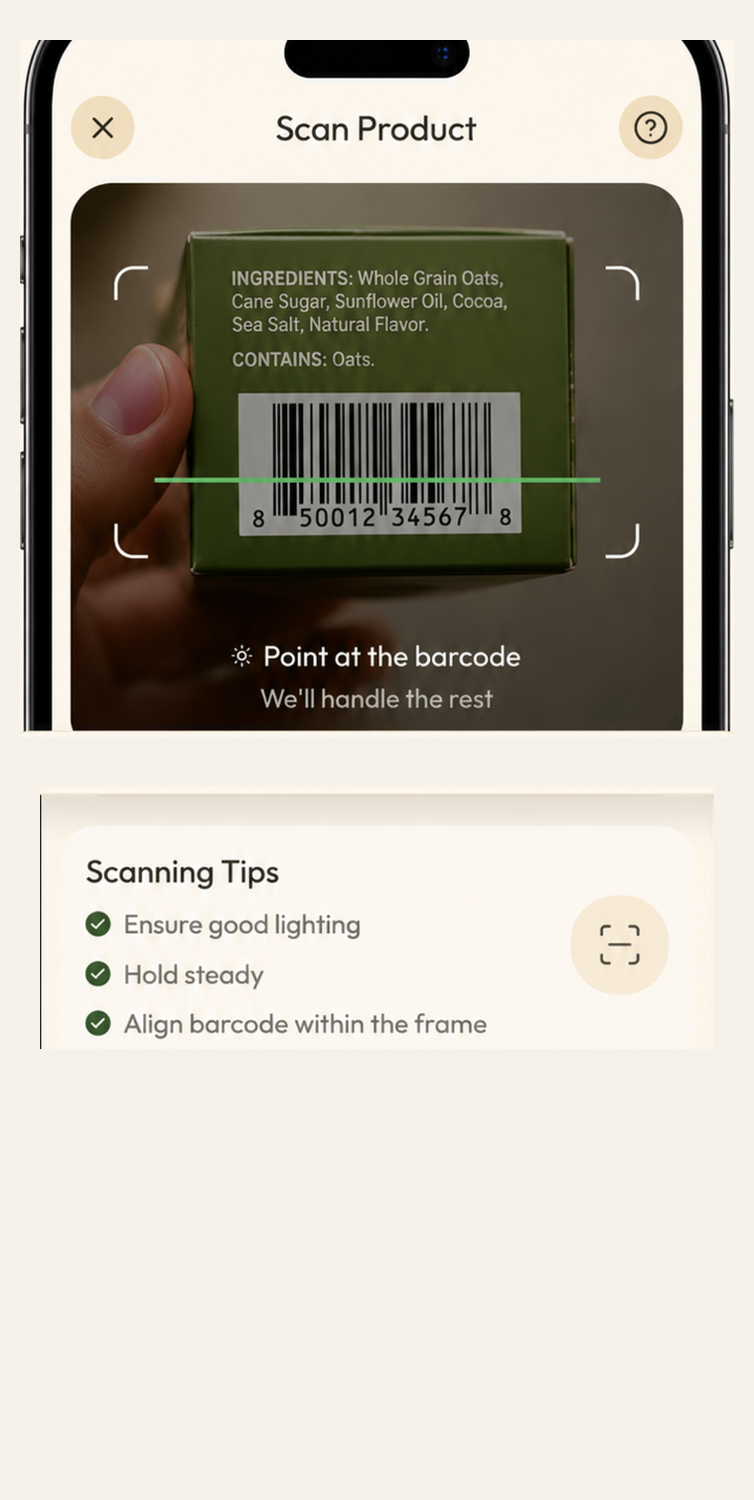
Point your camera at the product. Naqi reads the barcode in a second.
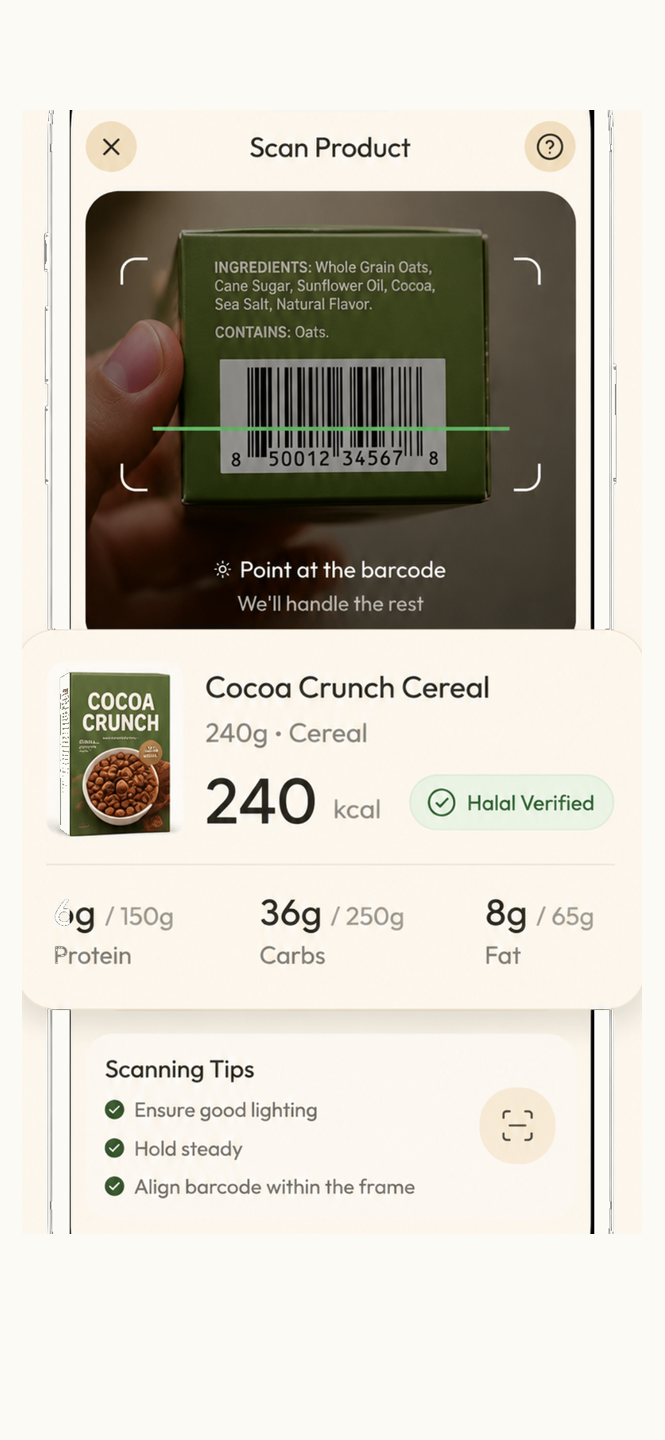
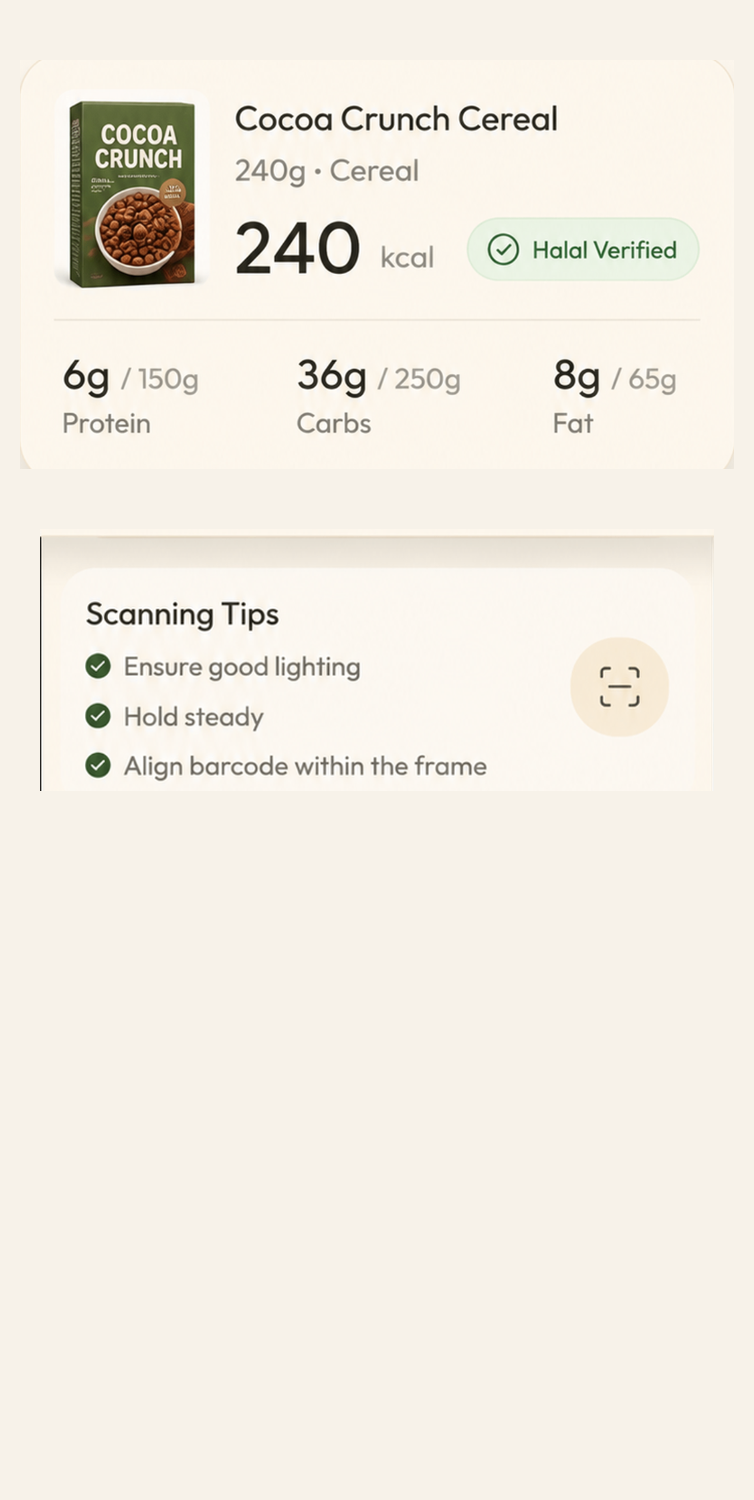
Every scan logs calories, protein, carbs and fats to your daily goal.
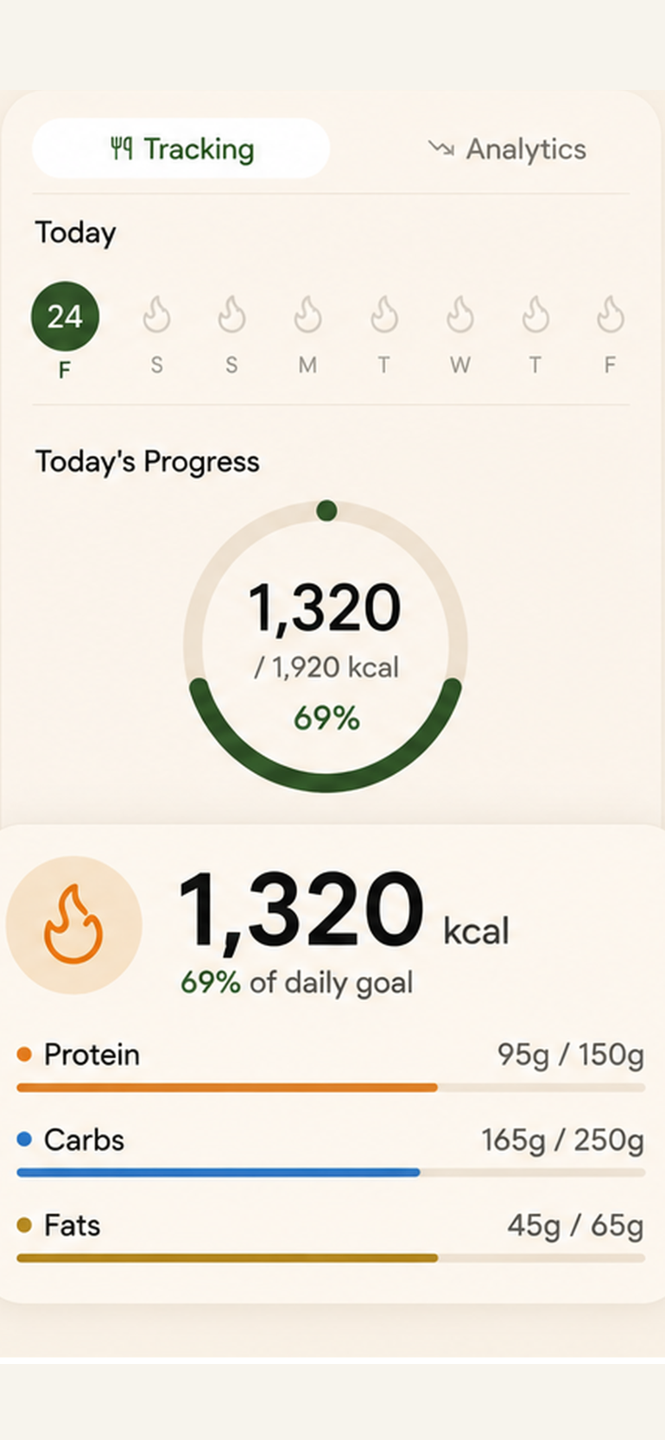
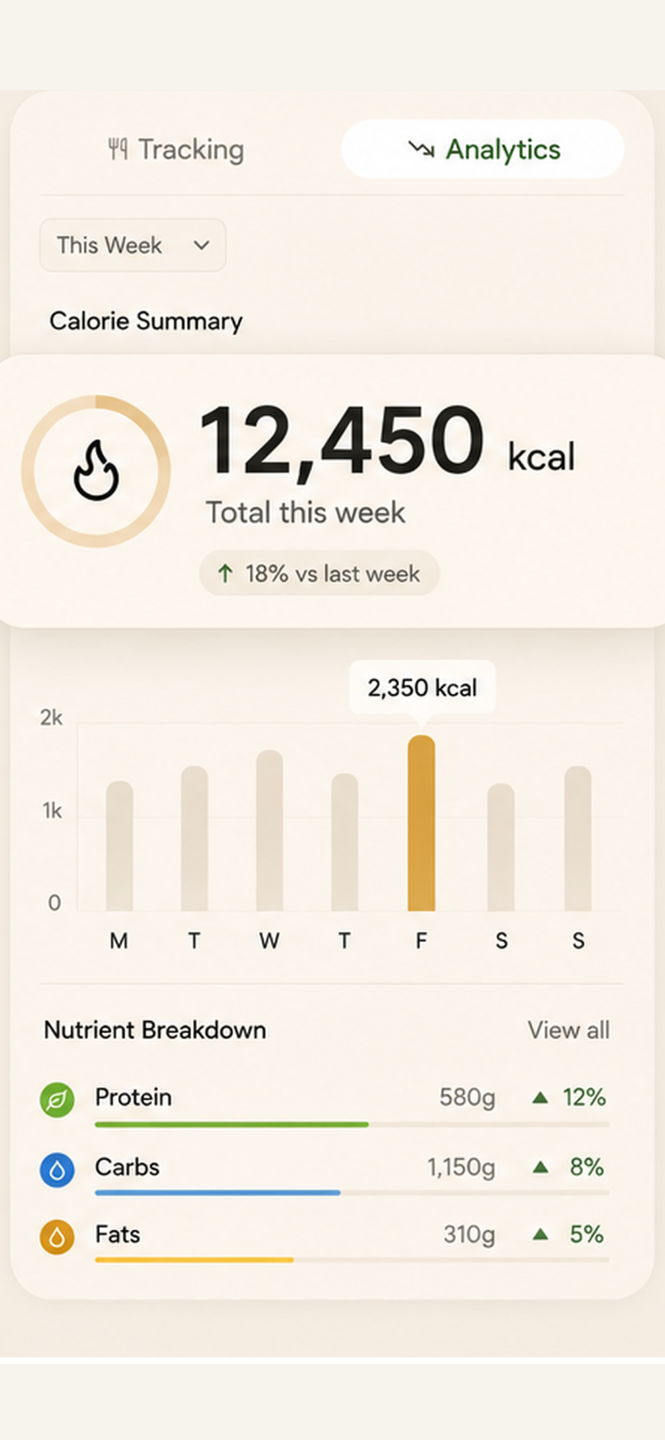
Weekly summaries show exactly how your habits are trending.
“Finally an app that tells me straight away whether something is halal. I use it every grocery run.”
“The nutrition tracking is a bonus I didn't expect. Scanning is fast and the results are clear.”
“No more reading tiny ingredient lists in the aisle. Naqi does it for me in seconds.”
Naqi reads the product's listed ingredients and flags anything haram or doubtful, then explains the reasoning. It's automated guidance — always verify independently for critical cases.
Yes. You can search by name or snap the ingredients label and Naqi will analyse the text.
Every scan can be logged to your daily goal with calories, protein, carbs and fats, plus weekly insights.
Your scans stay tied to your account and are never sold. See the privacy policy for full details.
Download the app and scan your first product in under a minute.
Download on theApp StoreIn-app browsers block App Store links. Follow these steps:
Top-right corner of the in-app browser.
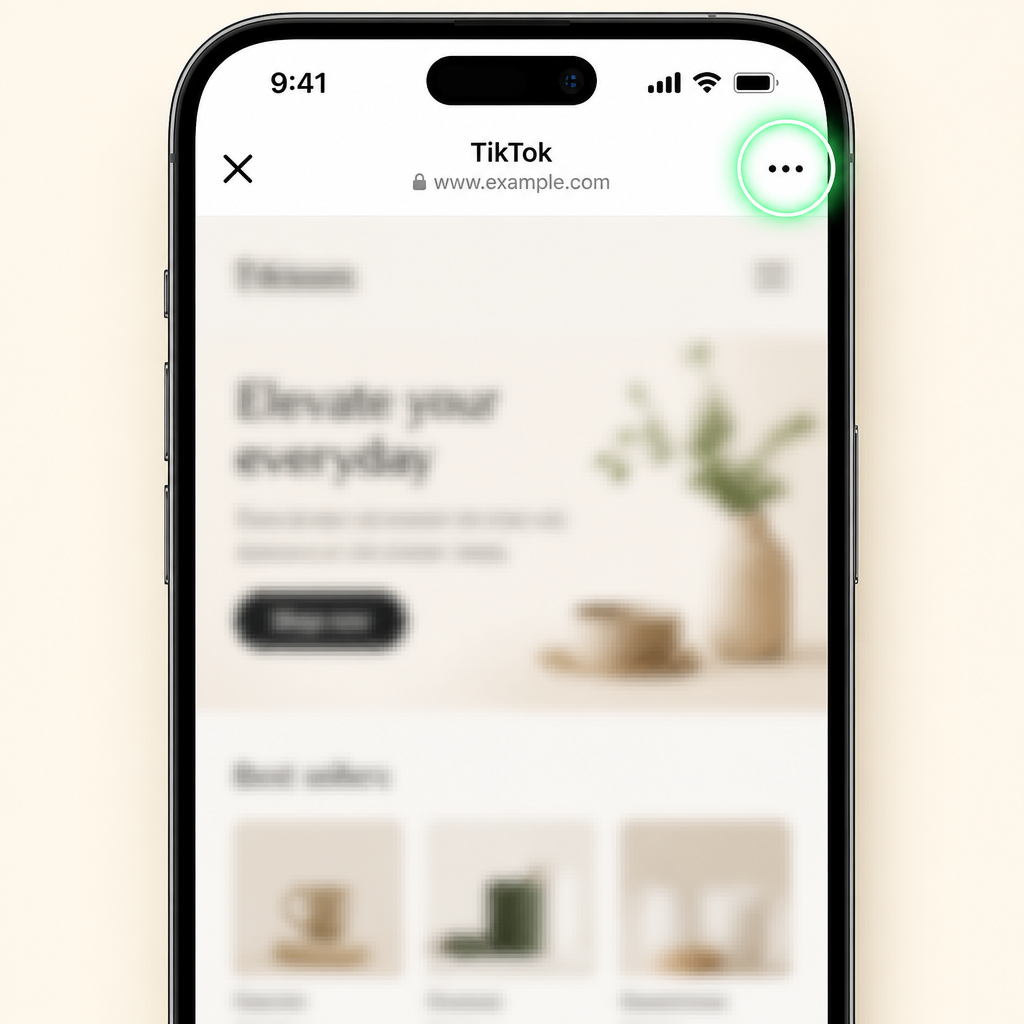
Choose Safari, Chrome or “Open in external browser”.
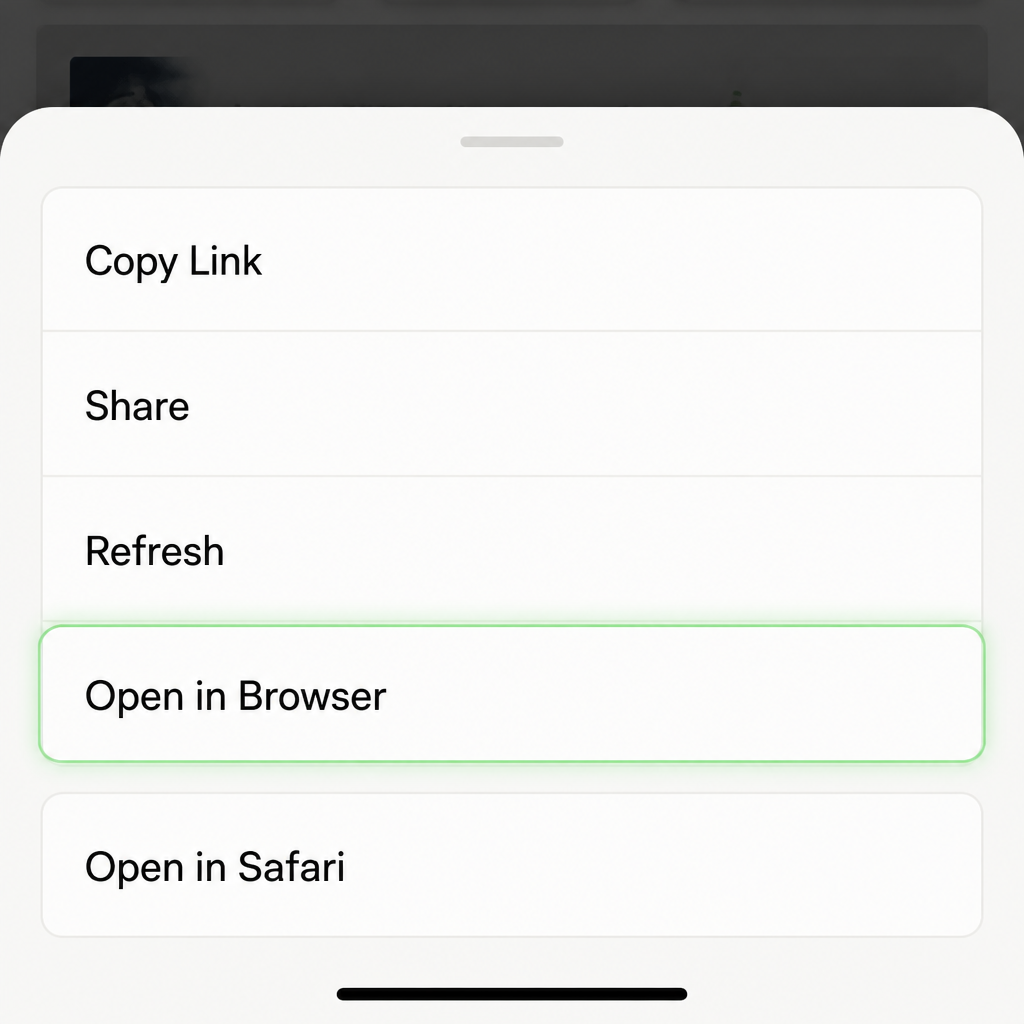
Tap “Download on the App Store” again.